Simplified way of accessing the new system with Microsoft login without signing in again via the Office 365 webpage:
- Go to office.com and login with your Microsoft credentials (if you have already logged into a browser tab you can skip this step)
- Click the dots
 in the upper left corner
- Click on the ‘all apps’ link and scroll to the bottom to find the YardiOne link

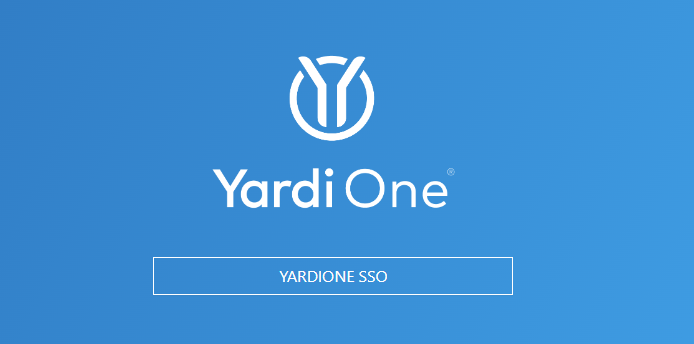
- On the YardiOne page click the YardiOne SSO link
Was this article helpful?
That’s Great!
Thank you for your feedback
Sorry! We couldn't be helpful
Thank you for your feedback
Feedback sent
We appreciate your effort and will try to fix the article